Quick answer
A good USB cable manufacturer can prove four things a reseller cannot: an e-marker in every USB-C cable rated above 3 A (100 W and 240 W), power wires thick enough for the rated current, the data speed on the label, and a listing in the USB-IF certified-product search if the USB logo is on the box. Kestner builds USB-C and USB-A cables on its own lines.
The short version
- USB cable fraud is inside the jacket: a missing e-marker, thin power wires, or USB 2.0 data in a cable sold as USB 3.x. All three look identical from outside.
- Under the USB Type-C spec, a cable carries 3 A by default. 5 A (100 W at 20 V, 240 W at 48 V) requires an e-marker chip that tells the charger the cable can take it.
- Data speed caps the length of a passive cable: about 4 m for USB 2.0, 2 m for 5 Gbps, 1 m for 10 Gbps, and 0.8 m for USB4 40 Gbps. A 3 m "10 Gbps" passive cable is a red flag.
- Legacy USB-A to USB-C cables must use a 56 kΩ pull-up resistor. The wrong value lets a phone pull more current than the port can supply.
- The USB logo is licensed. If it is printed on your packaging, the cable must be USB-IF certified, and you can check the listing yourself.
Every USB cable looks the same from the outside. Two USB-C cables with the same braid, the same aluminum shells, and the same “100 W” on the box can differ in the chip inside the plug, the thickness of the power wires, and how many data pairs are actually connected. That is why choosing a USB cable manufacturer is mostly about what you cannot see. The cable will charge a phone either way. It fails later: a laptop that charges at 60 W instead of 100, a drive that runs at USB 2.0 speed, a return rate that shows up in your reviews. Here is where cheap USB cables cut corners, how to check a sample, and what to demand from a manufacturer before a private-label or OEM order.
Who makes USB cables
BLUF: there are three kinds of supplier behind the same search, and only one of them can answer the questions below.
| Connector maker | Cable factory | Trading company | |
|---|---|---|---|
| What they do | Custom and OEM assemblies around their own connectors | Cut, terminate, overmold, and test cable on their own lines | Relabel stock from other factories |
| Best for | Engineered, low-volume, high-spec assemblies | Private-label, retail, and in-box cables at volume | One-off small orders |
| Can show you | Full engineering data | E-marker config, wire gauge, test data per lot | A datasheet from someone else |
| Risk | Price and MOQ | Varies: verify the points below | Spec drift between lots, no accountability |
For retail, white-label, and in-box cables, the cable factory is usually the right counterparty. The rest of this guide is how to tell a good one from a bad one.
The e-marker: where “100 W” is decided
BLUF: under the USB Type-C specification, a cable carries 3 A by default. Anything rated above 3 A, which means every 100 W and 240 W cable, must contain an e-marker chip. Without it, the charger treats the cable as 3 A and caps it at 60 W.
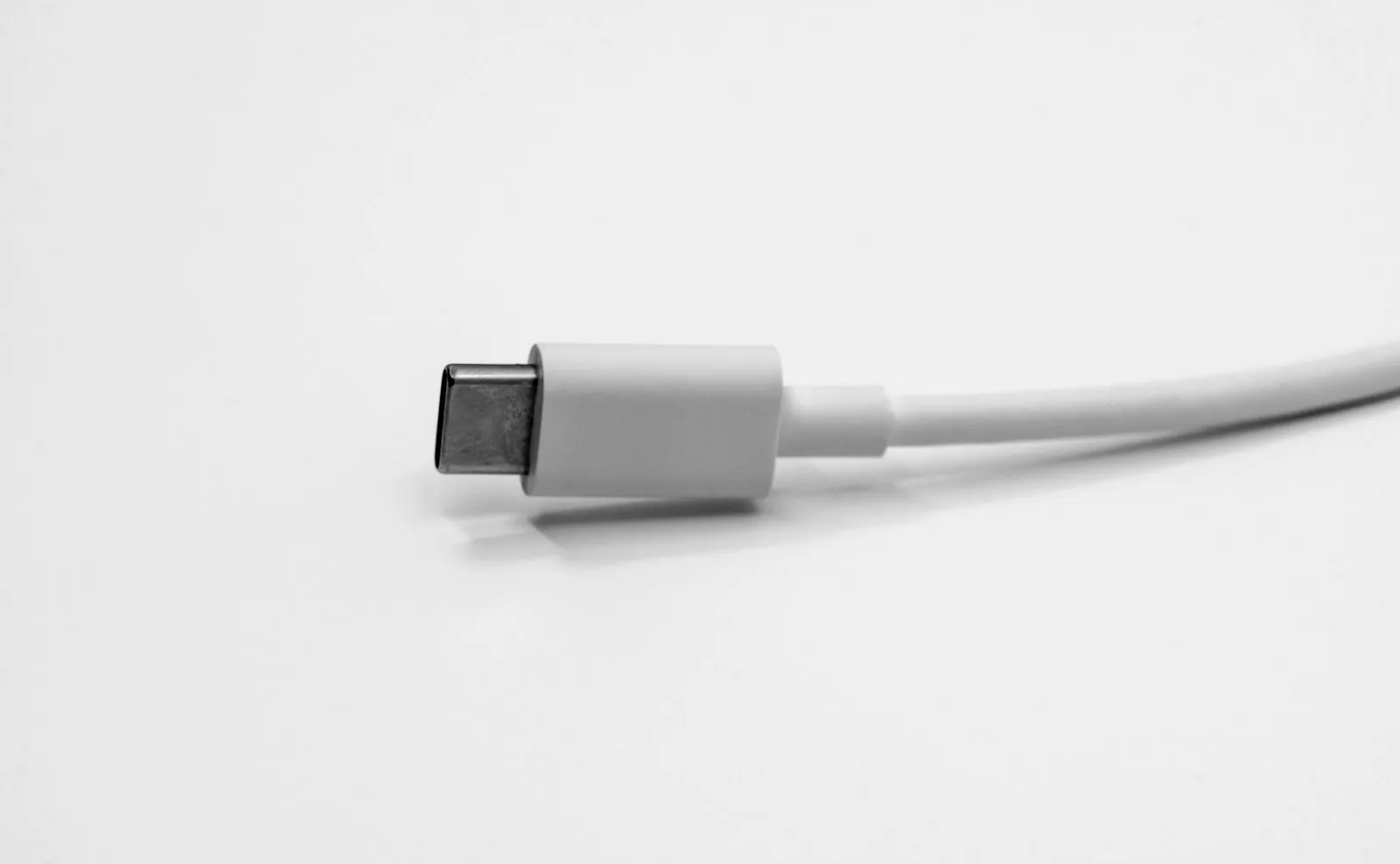
The e-marker is a small chip in one plug that reports the cable rating to the charger and the device: current (3 A or 5 A), maximum voltage, data speed, and vendor information. It is what lets a USB Power Delivery charger safely push 5 A at 20 V (100 W) or, under the Power Delivery 3.1 Extended Power Range, 5 A at 48 V (240 W).
Two failure modes show up on cheap cables:
- No e-marker on a cable sold as 100 W. It works, safely, at 60 W. Your customer just never gets the speed on the box.
- An e-marker that claims more than the wire can carry. The chip reports 5 A, but the power wires are too thin for it. This is the dangerous one, because the charger believes the chip and pushes the full current.
The check: a low-cost USB-C tester reads the e-marker and shows the reported current and voltage. Then compare that to the power-wire gauge on the spec sheet. The chip only reports what the manufacturer programmed into it; the gauge is what actually carries the current.
Power wires and data pairs
BLUF: ask for the gauge of the power and ground conductors, and ask which data pairs are actually connected. These two lines decide whether the cable does what the label says.
Power. The Type-C specification limits how much voltage a cable may lose at its rated current. In practice, that sets a minimum thickness for the power (VBUS) and ground wires, and the required thickness goes up with length and current. Thin power wires are the most common shortcut, because copper is the most expensive part of the cable. Ask for the AWG of the power pair on the spec sheet, and weigh a sample: a cable with undersized copper is noticeably lighter than a correct one of the same length.
Data. A USB-C cable with only the USB 2.0 pair connected is a legitimate product (most charging cables are), but it should be sold as USB 2.0. A cable sold as USB 3.2 or USB4 needs the high-speed pairs, shielded and impedance-controlled, and it is limited in length if it is passive:
| Data rating | Speed | Max passive length (approx.) | What it costs you |
|---|---|---|---|
| USB 2.0 | 480 Mbps | 4 m | Cheapest; right for charge-and-sync |
| USB 3.2 Gen 1 | 5 Gbps | 2 m | Adds shielded high-speed pairs |
| USB 3.2 Gen 2 | 10 Gbps | 1 m | Tighter impedance control |
| USB4 Gen 3 | 40 Gbps | 0.8 m | Highest construction cost; active beyond this |
Lengths are the passive-cable guidance in the USB Type-C Cable and Connector Specification. A passive cable sold as 10 Gbps at 2 or 3 m is either active, mislabeled, or out of spec.
The USB-A to USB-C resistor
BLUF: a legacy cable with a USB-A plug on one end and USB-C on the other must contain a 56 kΩ pull-up resistor. The wrong value tells the phone it can draw more current than a USB-A port is designed to supply.
This is a small part with a long history. Early USB-C cables were often built with the wrong resistor, and a phone on one of those cables could pull more current than an older laptop port or hub could safely give. The Type-C specification fixes the value at 56 kΩ for these cables. Any competent manufacturer gets this right, and it costs nothing to ask: put “56 kΩ Rp per USB Type-C spec” on the drawing for every A-to-C part.
Logo, listing, and jacket
BLUF: the USB logo is a license, not a decoration. If it appears on your product or packaging, the cable must be USB-IF certified, and you can look up the listing yourself.
- USB-IF certification. Certified products are listed in the USB-IF product search. A certificate PDF is not proof; the listing is. If you do not print the USB logo, certification is optional, but it is still the cleanest independent evidence that a cable meets the spec.
- Jacket and wire listing. The cable inside should be UL-recognized appliance wiring material, commonly a UL 758 AWM style such as 2725, with the style printed on the jacket. Check that the printed style matches the spec sheet.
- Connector durability. USB-C connectors are designed for 10,000 mating cycles. For retail and in-box cables, also ask for a flex test result at the strain relief, because the joint between plug and cable is where USB cables actually fail in use.
- Lightning. If you sell Lightning cables, ask for proof of Apple MFi authorization for the specific part. Lightning connectors without it can stop working after a phone update.
What to demand before the PO
| Demand | Why it matters | How to verify |
|---|---|---|
| E-marker on every cable above 3 A | Without it, a “100 W” cable charges at 60 W | USB-C tester on samples from the production lot |
| Power-pair AWG on the spec sheet | Thin copper is the most common shortcut | Spec sheet, sample weight, a cut-open sample |
| Data rating and length within spec | Mislabeled USB 3.x drives returns | Pinout on the drawing; speed test on a sample |
| 56 kΩ Rp on A-to-C cables | Wrong value overloads legacy ports | Stated on the drawing; measured on a sample |
| USB-IF listing (if you use the logo) | The logo is licensed only for certified products | USB-IF product search, not a certificate PDF |
| Flex and pull test at the strain relief | That joint is where cables fail in use | Test report for your exact overmold |
| Per-lot origin record | Origin sets your tariff exposure | Country of origin and supporting records per shipment |
So, how do you choose
Pick a manufacturer that builds and tests the cable on its own lines, then judge it on what is inside the jacket: an e-marker on every cable above 3 A, power wires sized to the rating, a data rating that matches the construction and length, the correct resistor on A-to-C cables, and a USB-IF listing if your packaging carries the logo. The same discipline applies to Ethernet cable, where the shortcut is also hidden in the copper. For the tariff side of USB-C cable sourcing, see the USB-C cable assembly tariff reference. When you are ready, send us the spec or a sample of what you sell today, and we will quote it with the e-marker, gauge, and data rating written down, built from our USB-C and USB cable lines.
Frequently asked
Who manufactures USB cables?
Three kinds of company sell them: large connector makers that build custom and OEM assemblies, factories that terminate and overmold cable on their own lines for private-label and OEM programs (Kestner is one), and trading companies that relabel stock from other factories. For a buyer, the useful distinction is whether the supplier builds and tests the cable itself and can show the e-marker, wire gauge, and test data for your exact part.
What is an e-marker in a USB-C cable?
An electronically marked cable contains a small chip in the plug that reports the cable rating to the charger and the device: current capacity, maximum voltage, data speed, and vendor information. Under the USB Type-C specification, any cable rated above 3 A must be e-marked. Without it, a USB Power Delivery charger limits the cable to 3 A, so a "100 W" cable with no e-marker will only charge at 60 W.
How can I tell if a USB-C cable supports 100 W or 240 W?
Use an inexpensive USB-C tester that reads the e-marker. It will show the rated current (5 A for 100 W and 240 W) and, for 240 W, Extended Power Range (EPR) support up to 48 V. A cable that shows no e-marker is a 3 A (60 W) cable regardless of what the packaging says. Then check the power-wire gauge on the spec sheet, because the e-marker only reports what the manufacturer programmed.
What is the maximum length of a USB-C cable?
For passive cables, it depends on data speed. The USB Type-C cable specification gives roughly 4 m for USB 2.0, 2 m for USB 3.2 Gen 1 (5 Gbps), 1 m for USB 3.2 Gen 2 (10 Gbps), and 0.8 m for USB4 at 40 Gbps. Longer cables at the higher speeds need active electronics. Charging-only (USB 2.0 data) cables can run longer without problems.
Is a USB-IF certified cable worth it?
If you print the USB logo on the product or packaging, it is required: the logo is licensed only for certified products. If you do not use the logo, certification is still the simplest independent proof that a cable meets the spec. Either way, check the listing in the USB-IF certified-product search rather than trusting a certificate PDF.
Sources
- USB Type-C Cable and Connector Specification (cable ratings, e-marker, legacy cable resistor, lengths)USB Implementers Forum
- USB Power Delivery Specification, Revision 3.1 (Extended Power Range, 48 V / 240 W)USB Implementers Forum
- USB-IF certified-product search and logo licensingUSB Implementers Forum
- UL 758, appliance wiring material (AWM jacket styles)UL
- Country-of-origin marking and entry treatmentUS Customs & Border Protection
More in this cluster
Products in this line
Ready to source this to spec?
Kestner builds USB-C and USB-A cables on its own lines: e-marked to 100 W and 240 W, power wires sized to the rating, USB 2.0 or 3.2 data, braided or TPE, with your logo and packaging, and every cable tested before it ships. Send the spec or a sample of what you sell today, and we will quote it with the e-marker, gauge, and data rating written down.
Request a quote