Quick answer
Cat8 is a data-center, in-rack cable — 25/40 Gigabit to 30 m over two connectors. Source it only for short switch-to-server runs on RJ45 gear; for horizontal runs, offices, or homes, Cat6a is the right 10-Gigabit ceiling. Spec Class I (RJ45), fully shielded, 22-24 AWG bare copper, tested to 2 GHz. Kestner builds Cat cable to spec. See ANSI/TIA-568.
The short version
- Cat8 is a data-center, in-rack cable — 25/40 Gigabit, but only to 30 m over two connectors. Buy it for the rack, not the building.
- It is backward compatible only as Class I (Cat8.1, RJ45). Class II (Cat8.2) uses non-RJ45 connectors most gear will not take.
- For horizontal runs, offices, and homes, Cat8 buys nothing the port cannot use — the switch and link speed set the ceiling, not the cable. Spec Cat6a instead.
- Before you order in bulk, weigh Cat8 against DAC and fiber — often cheaper, cooler, and lower-latency for 25/40G and up.
Cat8 is the fastest twisted-pair copper you can source — 25 or 40 Gigabit — and the most oversold cable on the market. The same spec that makes it fast, 2 GHz of bandwidth, is what limits it to a 30-metre run, which makes Cat8 a data-center cable for the short hop from a switch to a server, and almost nothing else. For a buyer, the question is not whether Cat8 is fast but whether your runs and your gear can actually use it — and most cannot. Here is what Cat8 is, the 30-metre rule that decides where it belongs, how it compares to fiber and direct-attach copper in the rack, and what to check before you order it in bulk. For the rest of the ladder — Cat5e through Cat6a — see the Ethernet cable types guide.
What Cat8 actually is
Cat8 is the top category in the ANSI/TIA-568 copper standard: 25 and 40 Gigabit over an RJ45 channel, at frequencies up to 2000 MHz — four times the bandwidth of Cat6a. The two speeds, 25GBASE-T and 40GBASE-T, were standardized by IEEE in 2016, and the cable is always shielded — foil-screened (F/UTP) on the common Class I build, fully braided (S/FTP) on Class II — over a 22-to-24 AWG bare-copper conductor to survive that frequency.
The one distinction a buyer has to get right is class. TIA Cat8 and ISO Class I (Cat8.1) use the ordinary RJ45 plug and are backward compatible with lower categories. ISO Class II (Cat8.2) is built on Cat7A components and uses non-RJ45 connectors — GG45 or TERA — that most networking gear will not accept. For almost every buyer, “Cat8” should mean Class I, Cat8.1, RJ45; Class II is a specialty order, not a default.
The 30-metre rule
The single fact that decides where Cat8 belongs is its reach: 30 m over a channel with no more than two connectors, against 100 m and four connectors for every category below it. Two-gigahertz signaling attenuates fast on copper, so the standard trades distance for speed — and in practice the usable permanent link is a little shorter still once patch cords eat into the budget.
That is why Cat8 is defined for one job: a switch-to-server or top-of-rack link inside the data center. It is the wrong cable for a horizontal run to a desk, a whole-building pull, or anything that has to travel — not because it is low quality, but because the distance limit rules those runs out before the speed ever helps.
Where Cat8 is over-spec: offices, homes, horizontal runs
Outside the data center — an office floor, a horizontal run to a desk, a home network — Cat8 is over-spec, and the reason is the port, not the cable. An Ethernet link negotiates to the slowest device on it, so a Cat8 run into a 1-Gigabit (or 2.5-Gigabit) switch or NIC moves data at exactly 1 (or 2.5) Gigabit — the same speed a Cat6 run would. Internet speed is set by the service, not the patch cable, and Cat8 does nothing for latency: ping lives in the network path and the server, not in the copper on the desk (which is why Cat8 is no upgrade for a gaming rig either).
If you are speccing cable you will actually use, put the money where the bottleneck is — a 2.5G or 10G switch paired with Cat6a — not into a Cat8 run feeding a 1-Gigabit port. For horizontal plant, Cat6a is the ceiling worth buying, and it costs less to pull, terminate, and certify.
Cat8 vs DAC vs fiber in the rack
Even where Cat8 belongs — inside the rack — it is not the only way to move 25 or 40 Gigabit, and often not the cheapest. Most 25/40G switches and NICs terminate in SFP or QSFP cages rather than RJ45, and those ports take a direct-attach cable (DAC) or a fiber transceiver, not a Cat8 patch. The comparison that matters in the rack is this:
| Option | Typical reach | Interface | Best for |
|---|---|---|---|
| Cat8 (RJ45) | ≤ 30 m | RJ45 / BASE-T | Short switch-to-server links on RJ45 gear |
| Passive DAC | ≤ ~3–5 m | SFP+ / QSFP | Cheapest same-rack link between SFP ports |
| Active optical (AOC) | ≤ ~30 m | SFP+ / QSFP | Rack-to-adjacent-rack without discrete optics |
| Fiber + transceivers | 100 m to km | LC / MPO | Longer runs and higher speeds at scale |
Reaches are typical, not absolutes — passive DAC in particular varies by speed. The catch with Cat8 is heat and power: 40GBASE-T PHYs run hot and draw real current, which is a large part of why the market moved to SFP/QSFP with DAC or fiber for 25/40/100G. Cat8 makes the most sense where the gear is RJ45 BASE-T and field-serviceable copper is a hard requirement.
When Cat8 is the right call
Cat8 earns its price in a narrow set of cases: a top-of-rack or end-of-row switch feeding servers within 30 m, where those devices terminate in RJ45 rather than SFP, and where the operator wants field-serviceable copper instead of fiber. Some 40GBASE-T upgrades of existing copper plant fit the same profile. That is the whole list.
Everywhere else, the honest answer points elsewhere: Cat6a for the horizontal run to the desk, Cat6a plus a fiber backbone to future-proof a building, and Cat6 or Cat6a for a home or office network. Buying Cat8 for any of those is paying for a distance-limited, power-hungry cable to do a job a cheaper category does better.
Sourcing Cat8 in bulk without overpaying
Sourcing Cat8 well is mostly about not buying the wrong thing. Verify five points before the PO: the class (Class I / Cat8.1 RJ45, unless a system specifically needs Class II); a genuinely shielded build (a foil or braided screen — F/UTP or better — with shielded RJ45 plugs and a drain that is actually bonded, not just present); the conductor (22-to-24 AWG bare copper, never copper-clad aluminum); a channel or permanent-link test report to 2 GHz, not a continuity beep; and, for patch cords, factory-terminated and tested assemblies.
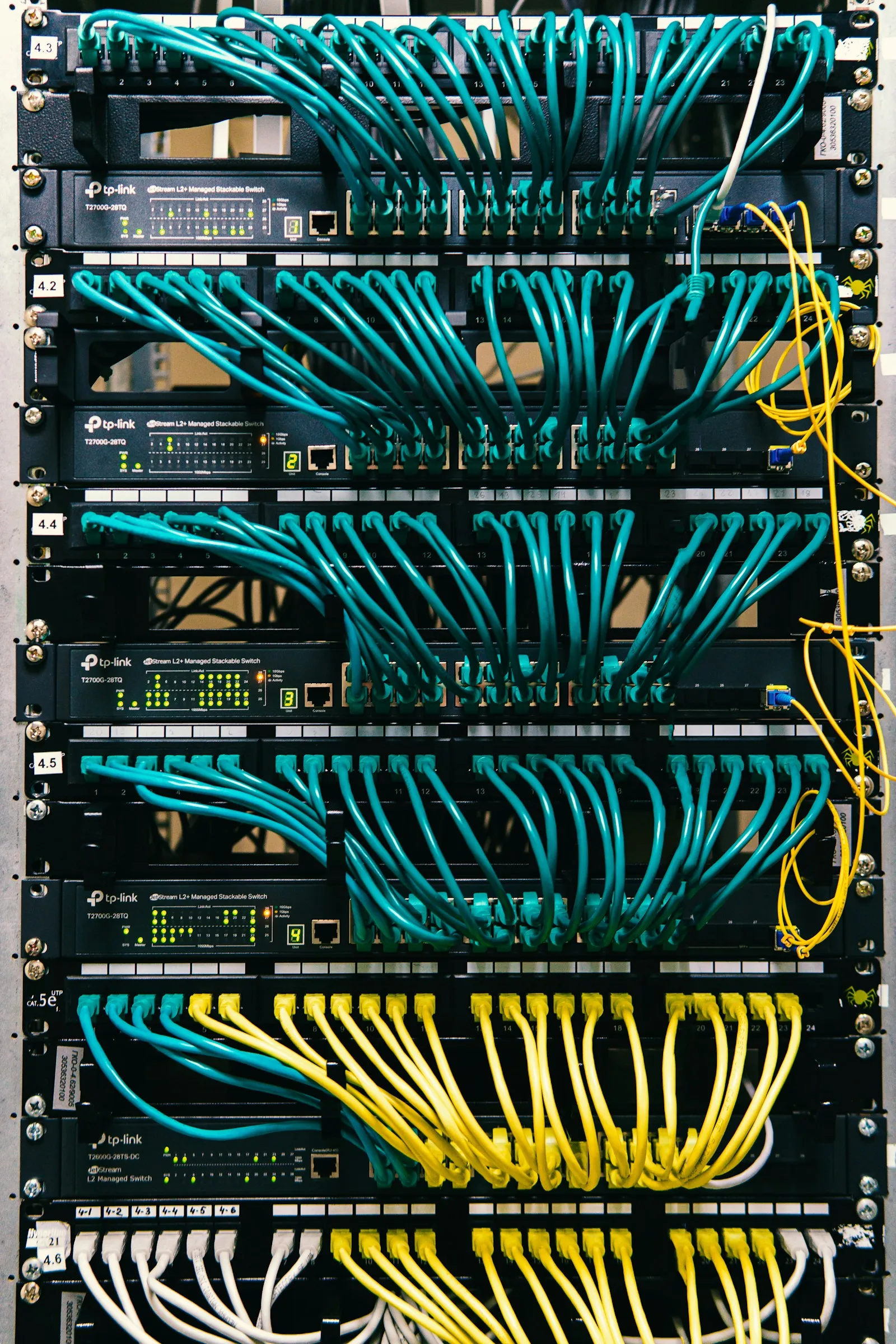
Buying by the reel adds one more failure point, and it is the expensive one: the copper. On bulk reels, weigh a known length against the spec as a fast copper-vs-CCA check, confirm the jacket fire rating (CMR/riser or CMP/plenum) for the space it runs in, and require the 2 GHz test report per reel, not one certificate per order. Note the customs side too: bulk reels and finished patch cords enter under different HTS codes with different duty — see the HTS code and U.S. duty on bulk Ethernet cable. Field-terminating a shielded Cat8 plug to a 2 GHz spec is unforgiving — the shield bond is the part that fails a test — so where you can, tested factory assemblies are cheaper than the rework they prevent. To source Cat cable and shielded assemblies to that spec, see Ethernet / Cat cables.
Frequently asked
Is Cat8 bulk cable worth buying?
For a data-center rack, within 30 m of RJ45 switching gear, yes — it carries 25 or 40 Gigabit over familiar RJ45 copper. For a home, office, or horizontal run, no: the link speed is set by the switch or NIC port (usually 1 or 2.5 Gigabit) and by the internet service, not by the cable, so a Cat8 run performs exactly like a Cat6a one at a higher price.
Is Cat8 backward compatible?
Class I Cat8 (Cat8.1) uses a standard RJ45 plug and is backward compatible with Cat6a, Cat6, and Cat5e jacks, so it plugs into existing gear and runs at whatever speed that gear supports. Class II Cat8 (Cat8.2) is built on Cat7A components and uses non-RJ45 connectors (GG45 or TERA) that most equipment does not accept. Buy Class I unless a specific system calls for Class II.
What is the difference between Cat6a and Cat8?
Different jobs, not a simple upgrade. Cat6a carries 10 Gigabit to a full 100 m at 500 MHz and is the ceiling for horizontal runs to the desk. Cat8 carries 25 or 40 Gigabit at 2000 MHz but only to 30 m over two connectors, so it belongs inside the data-center rack. Outside the rack, Cat6a is the right choice and Cat8 is wasted money.
How do I check bulk Cat8 cable is not copper-clad aluminum?
Weigh a known length against the spec — bare copper is noticeably heavier than copper-clad aluminum (CCA) at the same gauge — and check the printed legend for the category, the AWG, and a UL fire rating. CCA meets the stated AWG on a caliper but fails the DC-resistance and PoE spec, will not certify, and is a fire-code problem in-wall. Require a channel test report per reel, not one certificate per order.
How far can Cat8 run?
Up to 30 m over a channel with no more than two connectors, under ANSI/TIA-568 — and a little less in practice once patch cords are counted. Past that distance Cat8 stops meeting spec, and the answer is Cat6a for 10 Gigabit, or fiber or a direct-attach cable for 25/40 Gigabit and beyond.
Sources
- Category 8 balanced twisted-pair cabling (to 2 GHz, 30 m)ANSI/TIA-568.2-D
- 25GBASE-T and 40GBASE-T over twisted pairIEEE 802.3bq-2016
- Communications-cable safety & fire rating (CM/CMR/CMP)UL
More in this cluster
Products in this line
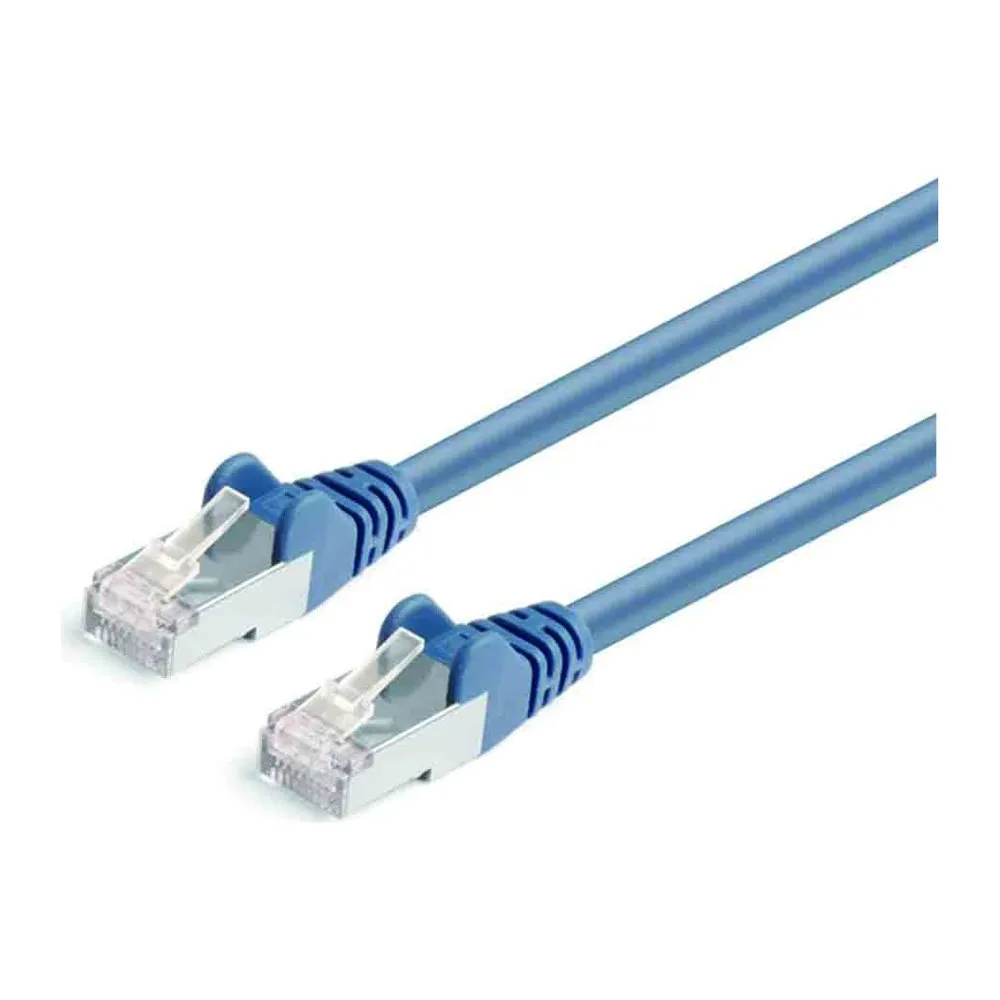 Ethernet / Cat cablesCat5e through Cat6a and Cat8 patch and bulk cable, bare copper, to a real channel spec.View →
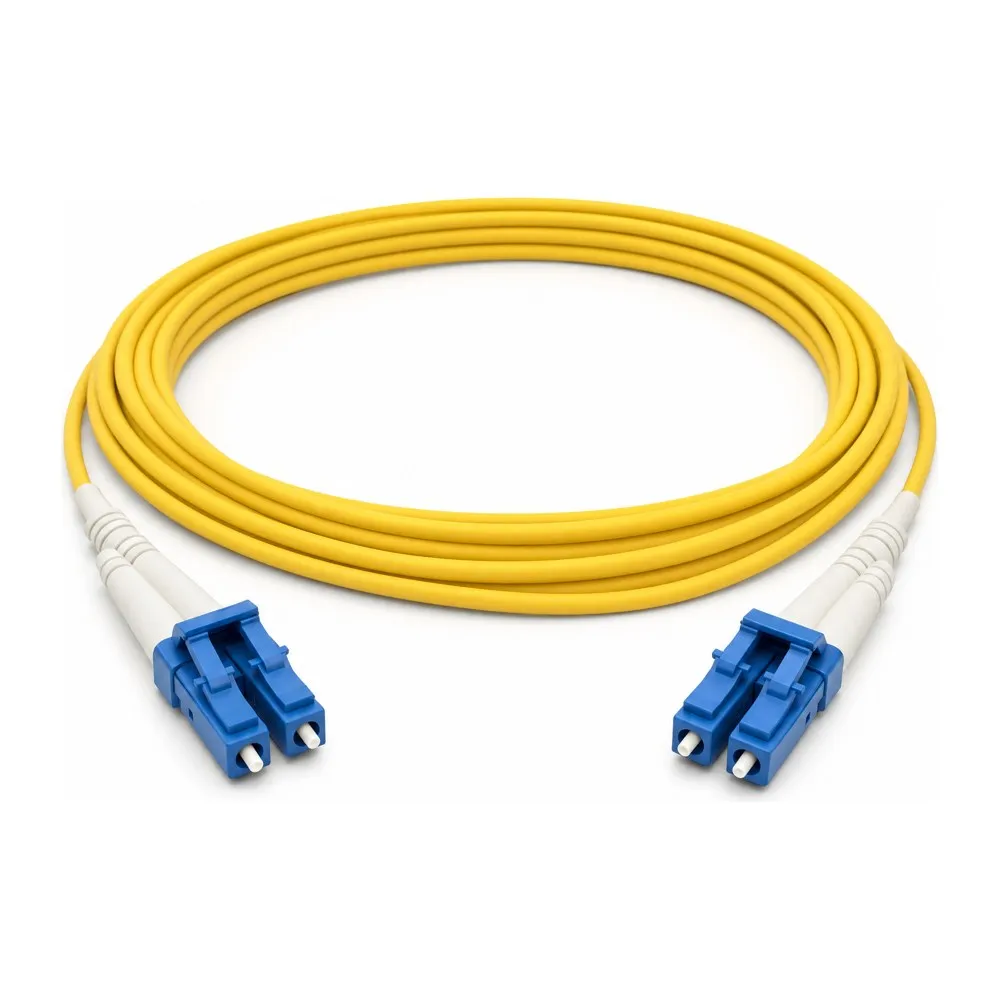 Fiber optic cablesSingle- and multimode assemblies for the 25/40G runs copper cannot reach.View →
 Custom cable assembliesShielded patch cords terminated and tested to your spec, with the records.View →
Ready to source this to spec?
Kestner builds Cat6a and Cat8 patch and bulk cable in its own factories, to a real channel spec — Class I RJ45, fully shielded, tested to 2 GHz — and will tell you when a DAC or fiber is the smarter buy than copper. One US company that makes the cable and stands behind the spec.
Request a quote